Look up ChordPro notation examples and basic operations without leaving the editor.
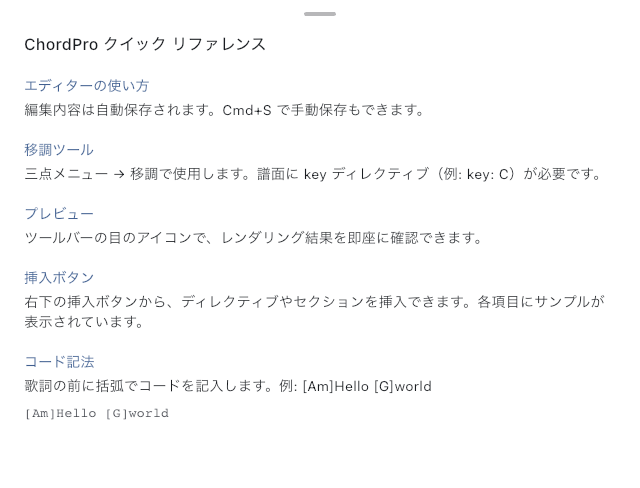
ChordPro Quick Reference
Look up short notation examples when you need to add chords to lyrics or mark an interlude or chorus. Open Quick Reference from the editor's help, find the example you need, and return to editing. Reading it does not change your chart.
Write a Verse with Chords
Choose ChordPro as the format in Text Page Editor, then enter something like this:
{title: Song title}
{key: C}

[C]Hello [Am]world
{comment: Interlude}
[C] places a C chord above the start of the following lyric. Put the chord in brackets immediately before the syllable where it belongs. {comment: Interlude} shows a navigation note, and {key: C} specifies C major. Entering the song's actual key lets you Transpose to suit a singer.
Switch to Preview and check that each chord sits above the intended lyric. If it does not, return to the source and move the chord. If brackets or braces appear literally, check that the format is ChordPro and that each pair is closed.
When You Do Not Remember the Notation
The editor's Input Helpers can insert a title, key, or section heading. To turn existing text into a chord or formatting, select it before using the command. With no selection, notation is inserted at the cursor. See Text Page Editor for the controls.
For longer examples with Verse and Chorus sections, compare the text and images in the copy-and-try ChordPro samples on the official site. See Choosing a Text Page Format for the supported notation and when another format fits better.